How to choose
Sizing a desk, chair and monitor to the room you actually have
Desk depth is a viewing-distance decision and desk width is a monitor-count decision. Measure the room first, then let the numbers eliminate most of the catalogue.
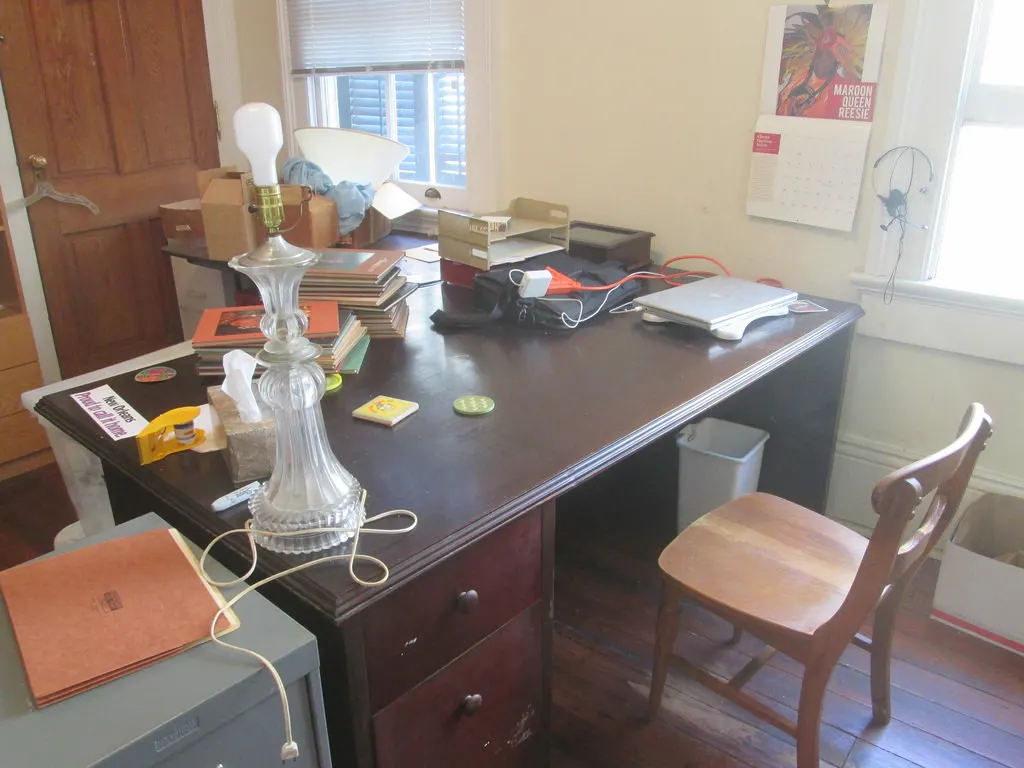
Home office shopping usually starts with a chair and ends with a desk that does not fit the wall. Reverse that. Four measurements taken with a tape eliminate most of the catalogue in 10 minutes and leave a shortlist that will physically work in the room.
This guide takes the measurements in the order the room imposes them, and ties each to a published figure where one exists. No furniture here has been bought, assembled or tested, and the prices used as examples are illustrations rather than quotes.
Measure the room before you shortlist anything
Four numbers decide what can go in: the usable wall length, the usable depth from that wall to the first obstruction, the swing arc of any door, and the height to the underside of a window sill or shelf. Write all four down before opening a single product page.
The door arc is the one most often missed. A door 80 cm wide sweeps an 80 cm radius, so a desk corner inside that arc stops the door. In a spare room or a basement corner, that arc frequently removes the only wall long enough for the desk you wanted.
Add the chair's own footprint to the depth. A five-castor base is typically around 65 cm across, and the chair has to roll back far enough for someone to stand up, which is roughly another 40 cm. A desk 70 cm deep in a room with 180 cm of usable depth leaves 110 cm behind it, which is comfortable; in a room with 140 cm it leaves 70 cm, which is not.
- Usable wall length, measured between obstructions rather than corner to corner
- Usable depth from that wall to the first thing you cannot move
- Door width, which is also the radius of the arc the door sweeps
- Height from the floor to the underside of any sill, shelf or sloped ceiling
- Position of the nearest outlet and of any network point
- Window position relative to the wall, because glare decides which way the desk faces
Desk depth is a viewing-distance decision
The Canadian Centre for Occupational Health and Safety publishes a viewing distance of 40 to 74 cm between the eyes and the screen, and says the line of sight should fall between 15° and 30° below horizontal eye level. Desk depth is what makes that range achievable or not.
Work backwards from the monitor's stand. A typical stand occupies about 20 cm of depth from the back edge, and you need roughly 15 cm in front of the keyboard for your forearms. A 50 cm desk therefore leaves about 30 cm of viewing distance, which is below the published minimum; a 70 cm desk leaves about 50 cm, which sits comfortably inside it.
A monitor arm changes this arithmetic more than any other accessory. Clamping the screen to the back edge recovers the stand's 20 cm, which turns a 60 cm desk into something that behaves like an 80 cm one. On an example $90 arm against the cost of replacing a desk, that is usually the cheaper fix.
| Desk depth | With a 20 cm stand | With a rear-clamped arm | Inside the 40 to 74 cm range? |
|---|---|---|---|
| 50 cm | 30 cm | 50 cm | Only with an arm |
| 60 cm | 40 cm | 60 cm | Yes, at the minimum |
| 70 cm | 50 cm | 70 cm | Yes, comfortably |
| 80 cm | 60 cm | 80 cm | Yes, with room for a laptop in front |
Each figure is the desk depth minus the stand depth. The 20 cm stand allowance is an example; measure your own monitor's stand before relying on it.
Desk width is a monitor-count decision
A 27-inch 16:9 monitor is about 60 cm wide. Two of them side by side with a 10 cm gap for bezels and adjustment need 130 cm, which means a desk of about 140 cm to leave anything either side. One 27-inch monitor plus a laptop open beside it needs roughly the same.
An ultrawide replaces the pair with one panel and removes the central bezel, but it is wider than a single 27-inch screen and it pushes the centre of the display further from your eyes at the edges. On a 120 cm desk it usually fits where two separate monitors will not.
Count the outputs before counting the screens. Two monitors need two display outputs on the computer or a dock that provides them, and some laptops support only one external display at full resolution. That is a specification to confirm on the manufacturer's page rather than an assumption to make.

| Arrangement | Screen width | Plus gaps | Desk width to aim for |
|---|---|---|---|
| One 24-inch screen | about 53 cm | — | 100 cm |
| One 27-inch screen | about 60 cm | — | 110 cm |
| 27-inch plus open laptop | about 60 cm + 32 cm | 10 cm | 120 cm |
| Two 27-inch screens | about 120 cm | 10 cm | 140 cm |
| One 34-inch ultrawide | about 80 cm | — | 120 cm |
Screen widths are computed from the diagonal at a 16:9 ratio, except the ultrawide at 21:9. Measure the actual panel before ordering, because bezels and stands differ.
Buy a chair by its ranges, not by its name
The three numbers that decide whether a chair fits a person are seat height range, seat depth, and the backrest's lumbar adjustment range. All three are published in the specification table and none of them appear in the marketing copy.
Seat height matters because the keyboard has to sit at your seated elbow height, and the desk is fixed. If a chair's cylinder tops out below the height your desk requires, you will type with raised shoulders for years. If it raises you above where your feet reach the floor, you need a footrest, which is a cheap fix as long as you know in advance.
Seat depth is the one people discover too late. A seat too deep for your thigh length forces you to sit forward, away from the backrest, which makes the lumbar support irrelevant. A sliding seat pan solves it; so does choosing a model whose published seat depth matches.
- Seat height range: must include your seated elbow height relative to the desk
- Seat depth: should leave a gap of two or three fingers behind your knees
- Backrest height and lumbar adjustment range, published in centimetres
- Armrest height range, so the arms clear the desk edge when you pull in
- Base diameter, because it decides how close the chair gets to the desk
- Castor type, hard for carpet and soft for hard floors, which is the opposite of what most people guess
Why this is a larger question in Canada than it was
Statistics Canada reported that 17.4% of employed people worked mostly from home in May 2025, down from 18.7% a year earlier, while 77.6% worked exclusively outside the home and a further 5.1% were commuters who usually worked some hours at home.
That puts roughly one worker in five furnishing a working desk at home rather than using one provided by an employer, and the room it goes in is usually a bedroom corner, a basement or a hallway rather than a dedicated office. Those rooms impose the measurements above far harder than an open floor plate does.
The sizing arithmetic matters most exactly there. A 140 cm desk is unremarkable in an office and impossible in a 2.4 m bedroom wall that also has a door arc crossing it, which is why the tape comes before the shortlist.
Before you buy
- Measure usable wall length, usable depth, door arc and sill height before shortlisting
- Measure your own monitor's stand depth rather than assuming 20 cm
- Check that the resulting viewing distance falls between 40 and 74 cm
- Compute the desk width from the screens you will actually run, plus a 10 cm gap
- Confirm the computer has enough display outputs for the screens you are planning
- Read the chair's seat height range, seat depth and lumbar range from its specification table
- Leave at least 100 cm behind the desk for the chair to roll back and stand up
Questions readers ask
- Is a corner desk a good way to save space?
- It uses two walls instead of one, which helps when neither wall is long enough alone. What it costs is the corner itself: the deepest part of the desk is the part furthest from you, so a corner desk 80 cm deep gives you about the same usable depth as a straight 70 cm desk and a large unreachable triangle behind the screen.
- How high should the desk itself be?
- Fixed desks are typically 73 to 75 cm, and that height suits a fairly narrow band of body sizes. The number that actually matters is your seated elbow height, because the keyboard has to meet it. If the desk is too tall, raise the chair and add a footrest; if it is too low, a sit-stand frame or a keyboard tray is the only real fix.
- Do I need a monitor arm?
- You need one if your desk is shallower than about 60 cm, because clamping the screen to the back edge recovers the 20 cm the stand was occupying and brings the viewing distance back into the 40 to 74 cm range. On a deeper desk it is a convenience rather than a requirement.
- Does the window position really matter that much?
- It decides where the desk can face. A screen with a window directly behind it makes the screen look dim against bright glare; a window directly in front reflects onto the screen. The arrangement that works in most rooms is the window to one side, which is a constraint on the wall you choose before you choose the desk.
Sources
- Canadian Centre for Occupational Health and Safety — office ergonomics, positioning the monitor (40 to 74 cm viewing distance; 15° to 30° line of sight) — checked 2026-11-03
- Statistics Canada — The Daily, number of Canadian commuters increases for fourth straight year in 2025 — checked 2026-11-03
- Natural Resources Canada — ENERGY STAR certified displays and monitors — checked 2026-11-03
Some links on this site can earn us a commission. That does not change which product a guide recommends, and it adds nothing to your price. Advertising is not enabled on this site yet. When it is, ads will be labelled and kept visually separate from the guides.