Setting up
The six desk measurements that set up a home office properly
Screen distance and height, elbow height, seat depth, footrest and standing height. Six numbers from a tape measure, each tied to a published figure.
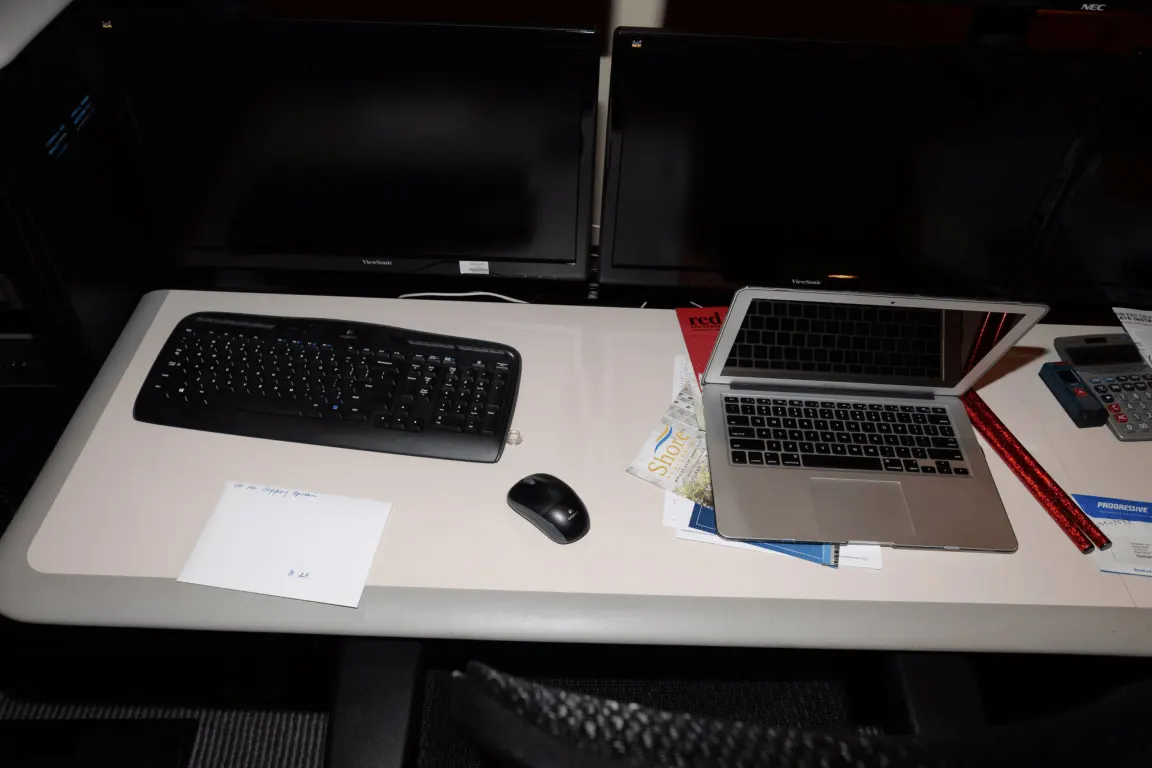
Most home desks are set up by placing things where they fit and then living with the result. Six measurements, taken once with a tape, replace that with something you can repeat and correct.
Each number below is tied to a published figure from the Canadian Centre for Occupational Health and Safety where one exists, and to simple trigonometry where the published figure is an angle. No equipment on this site has been bought or tested.
Measurements one and two: screen distance and screen height
The Canadian Centre for Occupational Health and Safety gives a viewing distance of 40 to 74 cm between the eyes and the screen, and a line of sight between 15° and 30° below horizontal eye level. It adds that the monitor should sit at about 15 degrees, or slightly lower, below the horizontal line, and that people wearing corrective lenses often prefer the top of the monitor slightly below eye level.
Turn the angle into a measurement you can take. At a 60 cm viewing distance, 15° below horizontal puts the centre of the screen 16 cm below eye level; 30° puts it 35 cm below. At 50 cm those become 13 cm and 29 cm, and at 70 cm, 19 cm and 40 cm.
In practice that means most monitors on most desks are too high rather than too low, because the default stand position puts the centre of the screen at or above eye level. Lowering it is free, and it is the single change that removes the most neck discomfort.
| Viewing distance | At 15° below horizontal | At 30° below horizontal |
|---|---|---|
| 40 cm | 11 cm | 23 cm |
| 50 cm | 13 cm | 29 cm |
| 60 cm | 16 cm | 35 cm |
| 70 cm | 19 cm | 40 cm |
| 74 cm | 20 cm | 43 cm |
Each cell is the viewing distance multiplied by the tangent of the angle, rounded to the nearest centimetre. The 40 to 74 cm range and the 15° to 30° range are the published figures; the multiplication is this guide's.
Measurement three: seated elbow height sets the keyboard
Sit upright with your upper arms hanging and your elbows bent at about 90 degrees, then measure from the floor to the underside of your forearm. That figure is where the keyboard belongs, and it is almost never the same as the height of a fixed desk.
Fixed desks are typically 73 to 75 cm, which suits a fairly narrow band of body sizes. If your seated elbow height is lower than the desk, raise the chair until the two match and then deal with your feet, which is what measurement five is for. If it is higher, the desk is too tall and only a keyboard tray or an adjustable frame fixes it properly.
Raising the chair to meet the desk and leaving the feet dangling is the most common home-office mistake, and it transfers the load to the backs of the thighs. The elbow sets the keyboard; the footrest then sets the feet.
- Sit back in the chair with your back against the backrest
- Let the upper arms hang vertically and bend the elbows to about 90 degrees
- Measure floor to underside of forearm and write the number down
- Compare it against the desk height, usually 73 to 75 cm on a fixed desk
- Raise the chair until the two match, then add a footrest if your feet have left the floor
Measurements four and five: seat depth and the footrest
Seat depth is measured as the gap between the front edge of the seat and the back of your knees when you are sitting back fully. Aim for a gap of two or three fingers. Too deep and you cannot reach the backrest without sliding forward, which makes the lumbar support irrelevant; too shallow and the seat stops supporting your thighs.
A sliding seat pan adjusts this directly. Without one, the fix is a different chair, because a cushion behind your back changes the seat depth and the backrest contact at the same time and usually makes both worse.
The footrest follows from measurement three. If raising the chair to the desk has lifted your feet, a footrest restores the support, and the right height is whatever brings your thighs back to roughly horizontal with your feet flat. This is a cheap item, usually under $60, and it is the one most often skipped.
Measurement six: standing height, and a schedule that survives
If the desk rises, the standing height is the same elbow rule standing up: the Canadian Centre for Occupational Health and Safety describes the platform as being approximately at your standing elbow position, with the arms in the same position they would be in seated.
On schedules the same source is deliberately open, noting that recommendations range from sitting for 1 hour and standing for 5 minutes, through to switching between sitting and standing every 20, 30, 45 or 60 minutes. It emphasises alternating according to your own needs rather than following a rigid timetable, and notes that early research found people tend to revert to sitting after an initial trial period.
Turn whichever you choose into a count so you can tell whether it is happening. Switching every 30 minutes across an 8-hour day is 16 blocks. Sitting 1 hour and standing 5 minutes gives about 7 standing breaks and roughly 35 minutes on your feet across the same day. Both are schedules; neither is a target.
| Pattern | Changes of position | Time standing |
|---|---|---|
| Sit 1 hour, stand 5 minutes | About 7 cycles | About 35 minutes |
| Switch every 60 minutes | 8 changes | 4 hours |
| Switch every 45 minutes | About 11 changes | About 4 hours |
| Switch every 30 minutes | 16 changes | 4 hours |
| Switch every 20 minutes | 24 changes | 4 hours |
An 8-hour day is 480 minutes. The 5-minute pattern runs on a 65-minute cycle, which fits about 7 times. The equal-split patterns divide the day evenly, so the standing total is the same and only the frequency changes.
If you can only change one thing, change the screen height
Of the six measurements, the screen is the one that is free to correct and the one most often wrong. Lowering a monitor by 16 cm so that the centre sits 15° below eye level at a 60 cm viewing distance costs nothing and takes about 2 minutes.
The second-cheapest correction is the footrest, and the third is turning the desk so the window sits to one side rather than in front of or behind the screen. None of those three is a purchase except the footrest, which is usually under $60.
Everything else on this page is a chair or a desk decision, which is to say a purchase. Doing the three free corrections first tells you whether you still need the purchase, which is why they come before any shortlist.
Before you buy
- Measure eye-to-screen distance and bring it inside the 40 to 74 cm range
- Lower the screen so its centre sits 15° below eye level for your distance
- Measure your seated elbow height and set the keyboard to it
- Check seat depth leaves two or three fingers behind your knees
- Add a footrest if raising the chair has lifted your feet off the floor
- If the desk rises, set the standing height to your standing elbow position
- Choose one alternation pattern and count the changes for a week to see if it holds
- Turn the desk so the window sits to one side rather than behind or in front of the screen
Questions readers ask
- Should the top of the monitor be at eye level?
- Slightly below it is the position the Canadian Centre for Occupational Health and Safety describes, and it notes that people wearing corrective lenses often find the top of the monitor slightly below eye level more comfortable. The measurement that matters is the centre of the screen, which at a 60 cm viewing distance should sit about 16 cm below eye level for a 15° line of sight.
- Is a standing desk better than a sitting desk?
- Neither on its own. The whole value is in alternating, and the published range of recommendations runs from sitting 1 hour and standing 5 minutes through to switching every 20 to 60 minutes. A standing desk that is never lowered creates its own problems, which is why the counts above matter more than the furniture.
- How do I set up a laptop without an external monitor?
- You cannot satisfy both the screen height and the keyboard height with one hinged device, because raising the screen raises the keyboard with it. The arrangement that resolves it is a laptop stand plus a separate keyboard and mouse: the stand puts the screen at the 15° line and the separate keyboard sits at your seated elbow height.
- Does a dual-monitor setup change these measurements?
- The distance and height rules apply to the screen you look at most, which should be directly in front of you. The second screen goes immediately beside it, angled slightly inward so its centre stays near the same viewing distance. Two screens placed symmetrically either side of centre put your most-used window permanently off-axis.
- How long does taking all six measurements take?
- About 15 minutes with a tape measure and someone to read the elbow height for you. The screen correction that usually follows takes another 2 minutes. The chair adjustments take longer because they interact, and the honest advice is to change one at a time over a week rather than all of them in one afternoon.
Sources
- Canadian Centre for Occupational Health and Safety — office ergonomics, positioning the monitor — checked 2026-11-03
- Canadian Centre for Occupational Health and Safety — office ergonomics, sit/stand desks and alternation patterns — checked 2026-11-03
- Statistics Canada — The Daily, number of Canadian commuters increases for fourth straight year in 2025 — checked 2026-11-03
Some links on this site can earn us a commission. That does not change which product a guide recommends, and it adds nothing to your price. Advertising is not enabled on this site yet. When it is, ads will be labelled and kept visually separate from the guides.